4 Common Wireless Microphone Mistakes You Should Avoid
Avoid these wireless microphone mistakes: wrong antenna placement, poor battery care, bad frequency settings and blocked signals that cut or distort audio.

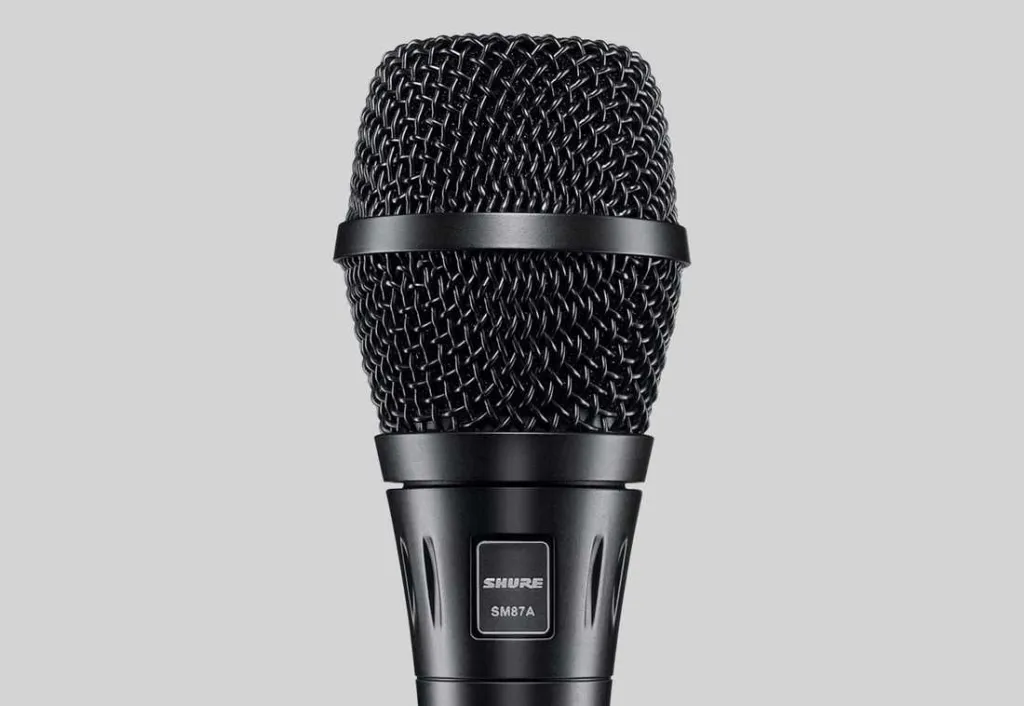
In any sound system setup, the microphone is an input device you cannot skip. You can choose between two kinds of microphone: wireless or wired. Wireless devices are used more and more because they are seen as more practical and easier to move with. But a few usage mistakes come up again and again. Before you buy from an audio sound system store, here is what you should know.
4 Common Mistakes When Using a Wireless Microphone

1. Using the Wrong Antenna or Placing It Badly
Many users assume all receiver antennas are the same. They may look alike, but choosing the wrong antenna or cable, or placing it badly, has a significant effect. One product may show a different range, dead spots or signal strength than another. It is best to set the antennas up in a V shape and keep them at least ¼ wavelength apart.
2. Wrong Batteries or Poor Battery Management
If a microphone suddenly stops working or cuts out, the problem most likely comes from the batteries. Poor battery management makes a mic malfunction or fail. This often happens when people use any battery at random or do not replace batteries regularly. When you are at a sound system store, make sure you buy the right batteries. Choose lithium or alkaline batteries, which last longer and meet the requirements.
3. Wrong Frequency Settings
In a sound system setup, almost every setting feels complicated. Even the microphone's frequency needs careful attention. You need to avoid active local TV channels and make sure the frequencies are compatible. This is not easy, which is why a technician is needed to avoid mistakes. It happens most often with outdoor use. For indoor wireless microphones, the risk is much lower.
4. Blocked Microphone and Receiver Signals
This last problem is fairly trivial, yet it happens very often. To avoid blocked signals, the key is to keep a clear line between the transmitter and the receiver antenna. Walls, metal objects and even people can block the audio signal. It is best to put the receiver and the transmitter in the same room. Also make sure you buy from a trusted sound system store that stocks top-quality products.
These four mistakes happen all the time and cause problems with the audio signal, whether the sound cuts out, distorts or does not come through at all. If they continue, these mistakes can damage the equipment. People often blame these problems on poor product quality. If you do not want to buy a shoddy product, buy from Goshen, a trusted sound system distributor in Indonesia.